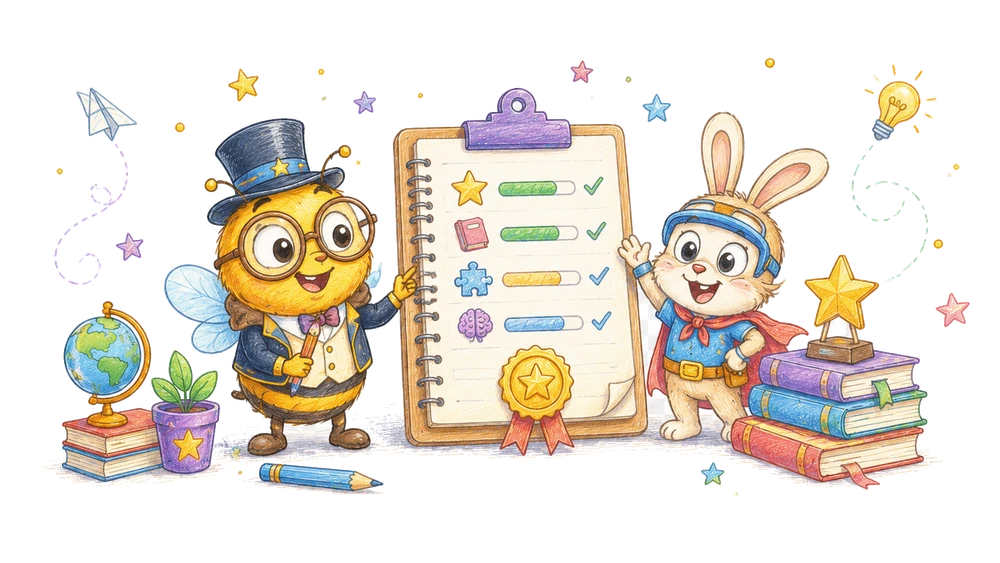
A short menu can make activities available without assigning a task to every day. List real options, explain their first steps, and let the child choose whether to use them.
What you need
Use a sheet of paper, a notebook, or a private digital note already familiar to your family. Write the available activities in short phrases. A child may prefer drawings, large print, spoken options, or symbols from an established communication system.
For the examples, you might gather a page with large circles, a few large safe blocks or paper squares, and a book. A spoken word game needs no physical materials. If a suggested item is unavailable, replace it with a suitable familiar object or omit that activity.
Choose a place to keep the menu where the people using it can find it and where any written information is appropriately private. A small page on a table, a notebook, or an adult’s note may work. The child does not have to read the menu independently.
No special account, purchased planner, timer, or reward chart is necessary. If a family uses an existing calendar, the menu can be separate from appointments and care obligations. An optional game should not be presented as a required appointment.
A spoken menu can work when writing is inconvenient. Describe two available activities and their first actions, then ask whether the child wants either one. If the child wants a visual reminder later, draw simple symbols together or use the actual materials.
A sample week without a score
On Monday, an adult offers two available options. The child chooses the book and points to a character opening a door. They read one page and stop. The adult might mark “book: one page” as a reminder if the family wants a record; no score is needed.
On Wednesday, the child chooses paper circles and asks the adult to move one block. The adult confirms the destination and moves it. The child then decides to stop. The matching option can remain on the menu, change, or be removed according to the family’s preference.
On Friday, the table is occupied and the child wants to listen to words. The adult offers “moon” and “map,” then pauses when the child chooses another conversation. The other menu items remain unused; there is no need to fit them into the weekend.
This illustrative sequence does not predict what another family will choose. The dates and actions are examples. A week with no menu activity is also possible, and a child’s interests can change within a single day.
On another week, the child might choose the same matching activity twice and leave the book unopened. The adult can keep the favorite on the next menu if it remains available. Repetition is a choice, not a sign that the other options must be scheduled.
Possible answers and what to do
Child: “I want blocks.” Adult: “Would you like to move them or tell me where to put them?” The child chooses a role. If the child later says stop, the adult accepts the new decision even though the first choice was yes.
Child: “I want the book that isn’t here.” Adult: “That book is at the library. We have this one, or we can do something else.” Offer only what is actually available; do not promise a return date unless it is known.
Child: “I don’t know.” Adult: “I can show you the first part of two choices, or we can put the menu away.” The child may ask for a demonstration, choose neither, or use another communication method.
Child: “I want to make a tower.” Adult: “We can use the blocks for a tower if there is a safe place.” This is a different activity from one-to-one matching. Let the child’s choice remain its own activity rather than adding a hidden requirement.
Child: “Not now.” Adult: “Okay.” If the menu or materials occupy a shared table, agree on where to put them. A later invitation is possible, but the child does not have to schedule it immediately.
The common mistake: turning the list into a quota
A menu becomes less useful when every item is treated as work that must be completed by Sunday. The child may choose the same book twice or none of the listed activities. The list’s purpose is to make available choices clear, not to produce a completion score.
Another mistake is offering two activities while withholding a promised alternative. “Blocks or sounds?” may sound like a required choice if the child cannot decline both. Add “or something else” when that is genuinely available.
A checkbox can be a reminder that an activity occurred, but it can also become an unintended pressure. If you use one, explain its purpose and avoid treating blank boxes as failures. The family can keep no record at all.
An adult may plan an activity around a resource that changes: a library book is returned or a caregiver is unavailable. Update the menu rather than insisting that the original plan must be carried out. A choice that cannot be provided is not a current option.
A menu can also become misleading when every option needs more time than the adult currently has. Update the available choices for the moment: “I can read one page now; the blocks can wait until the table is free.” The child can choose neither.
If an option becomes unavailable after it was chosen, explain what changed and offer a real alternative. The child may be disappointed and may decline the alternative. A revised plan should reflect the current situation.
Adjust the difficulty of each option
For matching, begin with one circle and one block. The adult can show the pair and offer a second only if the child wants. This reduces the number of items to track while preserving the idea of one object for one place.
For the word game, model two familiar words with /m/ at the start before adding a contrasting choice. If the child names a picture differently, compare the word actually spoken. A picture’s intended label is not always obvious.
For the book, leave the page visible and ask the child to show an object rather than recall a whole event. The adult can describe what happened. Looking at a picture and remembering a past event are different questions, and both can be optional.
For group comparison, use two objects per group and physically form two pairs. If one group has a different quantity, describe any unpaired object. Do not decide from the length of a spread-out row alone.
Add a next step without making it compulsory
If the child requests another matching round, offer a third circle and object. Explain what was added and allow a return to two or an early stop. A larger set is an option, not the only sign that the first activity mattered.
For sounds, the child may choose a familiar word for the adult to match. Both listen to its actual pronunciation. If the family speaks another language, choose a pair that shares a beginning in that language rather than assuming translations retain the same sound.
For a story, the child can choose two pages and discuss which event came first, checking the book as needed. This adds a sequence question beyond one event. If the child prefers to invent a new ending, identify it as their idea rather than as a printed event.
For groups, the child may add an object to one group and compare again. Make the addition visible and check the new sets. A previous result of equality does not describe the groups after an item has been added.
When plans or preferences change
If a child selects a game and then stops, accept the change. The original choice covered the start, not an obligation to finish. Ask whether the child wants materials put away or has another available use for them.
When another household member needs the space, explain the real constraint: “The table is needed for dinner.” Offer to move a portable activity or stop. Do not promise a different room if it is unavailable or unsafe.
If a caregiver has limited time, the menu can include a single short invitation rather than four prepared stations. An adult may say, “I can look at one page with you now,” and let the child decide. A longer session is not required for the choice to be meaningful.
If an option involves equipment or support the adult cannot provide safely, do not list it as available. Follow the child’s established care and accessibility arrangements and select another activity or rest.
If a child selects a book and a sibling needs the same book, discuss the actual possibilities: separate copies, an agreed shared page, or another choice. Do not promise access to an item that another person is using. The optional activity can wait.
Language and household context
American English examples such as “moon” and “map” use the /m/ beginning in common pronunciation. Families may use other languages or pronunciations. Select familiar word pairs based on actual spoken forms; translations do not necessarily share the same beginning sound.
A child can answer in a family language, use a gesture, or choose a device symbol. The adult can repeat the understood selection in the language both share. The menu is a communication tool, not a test of translation.
The menu can be made by a parent, grandparent, caregiver, or another trusted adult according to the family’s arrangements. It should not assume a particular household structure, holiday, food, or purchased material. Ask which examples are familiar to the child.
If two children participate, each can choose from available options when supervision permits. One may want the book while another wants blocks. Avoid requiring one child to correct or wait for the other merely to complete a shared menu.
A child might call the matching game “blocks for circles” rather than “one-to-one correspondence.” Use their familiar name on the menu and keep the first action clear. A technical term is not necessary for a meaningful choice.
Continue with BrainHunters
For a concrete way to offer a choice based on the child’s preference, see choosing an activity by energy level. For a short observation without a broad label, read keeping learning notes that are actually useful. If the child wants a digital activity, explore the available numbers or letters sections together.
Helpful answers
Do we need to complete every menu item?
No. The list offers possibilities, and the child and family can choose none, one, or a favorite again.
Does the child need to read the menu?
No. Use spoken descriptions, pictures, real objects, or a familiar communication system.
What if an option is unavailable?
Remove or postpone it and offer choices you can actually provide.

Turn a little idea into an adventure.
Try a short activity together, then bring the discovery back into your day.
Letters and early reading practice